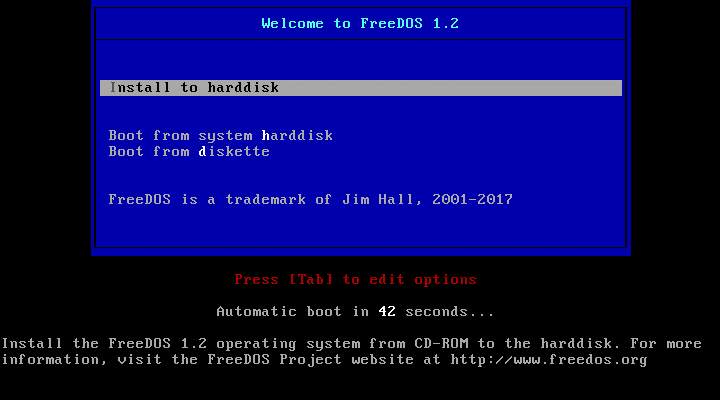
Install Howto
Install FreeDOS 1.2Need some help installing FreeDOS 1.2 on your computer? Here is a step-by-step guide to installing FreeDOS. Installing FreeDOS uses the same process whether you install FreeDOS in a...
Total 226
Install FreeDOS 1.2Need some help installing FreeDOS 1.2 on your computer? Here is a step-by-step guide to installing FreeDOS. Installing FreeDOS uses the same process whether you install FreeDOS in a...
Plan1 How do I remove unwanted programs from my laptop?2 How do you get rid of unwanted apps on your computer?3 How do I permanently remove Cortana from Windows 10?4 Can I disable Cortana from Windows...
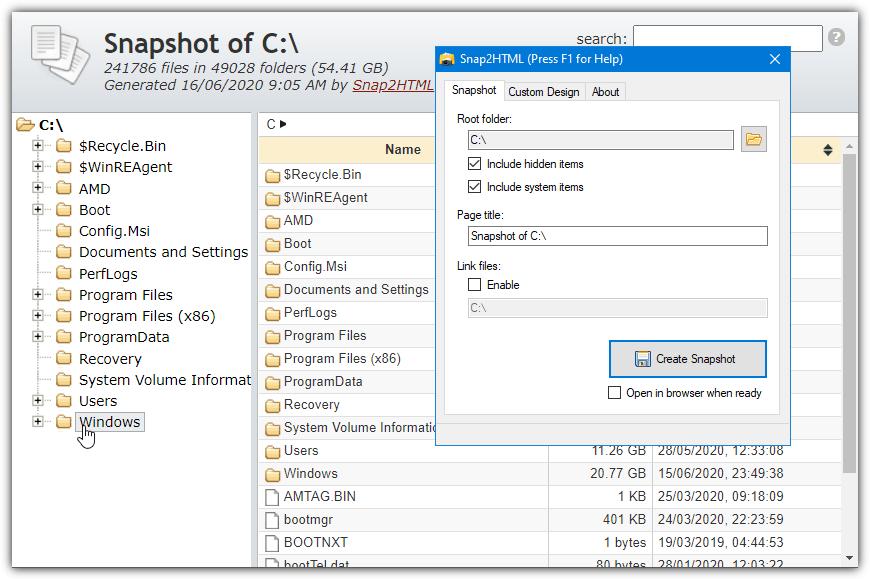
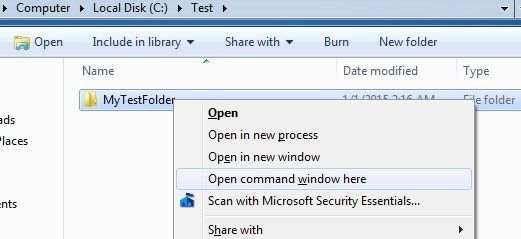
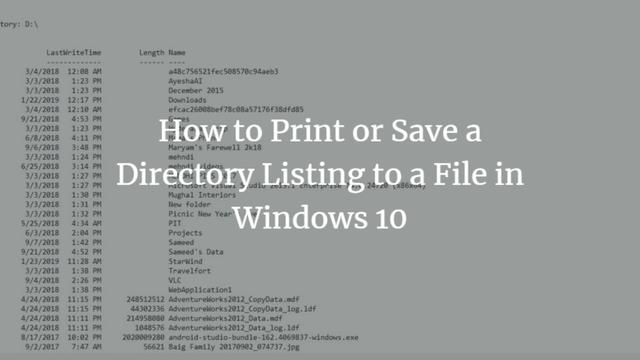
Sometimes, you may want to print or save a list of files in the directory. Windows does not provide an easy way to do this from its interface, but it is not difficult to accomplish.Printing a director...
Whether you need to do this for yourself or for others, sometimes you need to create a list of the contents of a specific directory, a set of directories, or an entire drive. With the size of today's...
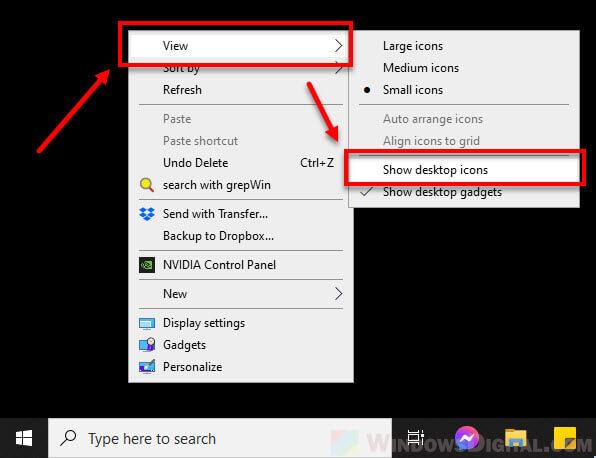
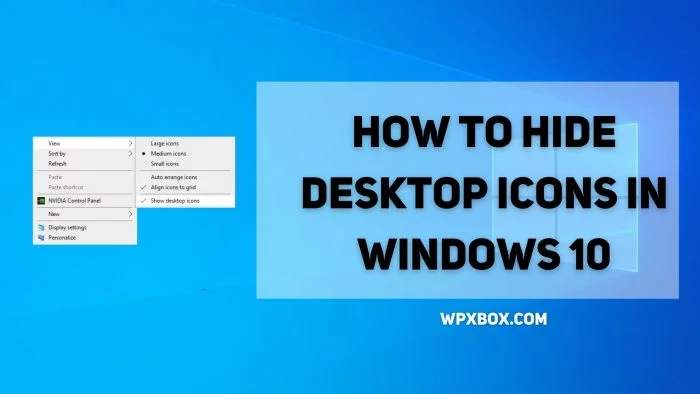
Windows 10 includes an option tohide all the icons on your desktopthat’s easy to find. But if you want to hide only a few icons, you’ll need to dig a little deeper. Here’s how.How to Show or Hide Syst...
Desktop shortcuts are great, but if you don’t know how to arrange them, they can cause confusion. If you are used to a clean desktop environment, Windows may be a bit annoying. If you have many progra...
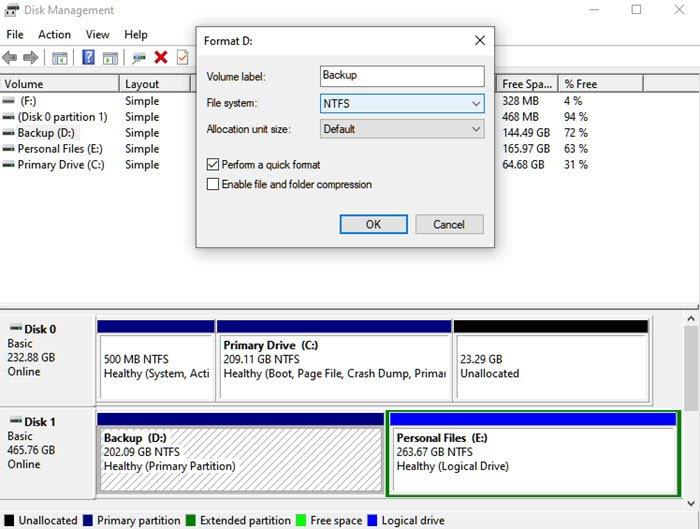
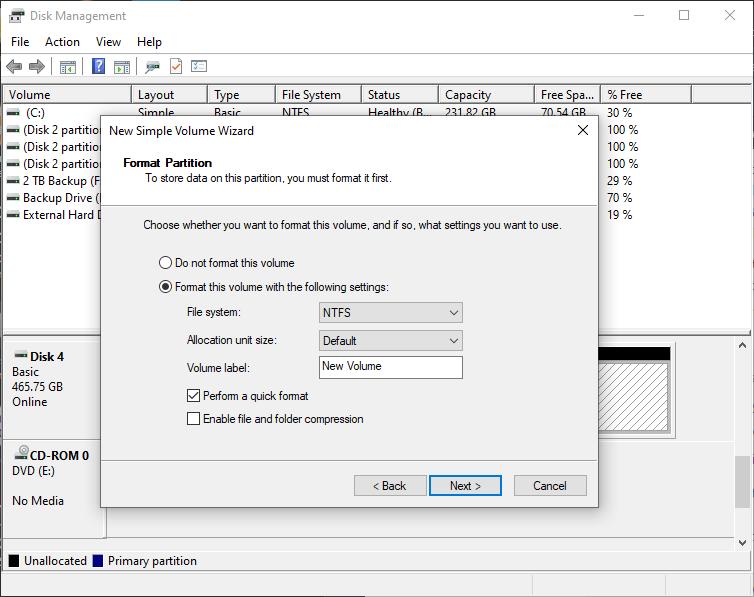
"Format” as a word in computers is very popular, and a well-known word among computer users. We all have done that, especially with the USB drives. That said, what people are sometimes afraid of is wh...
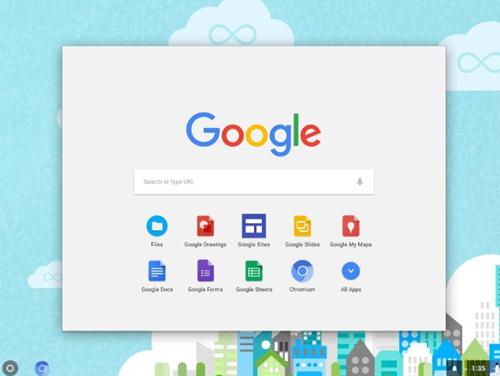
Download and install Chrome OSThe first question in your head is "why would I want to install Chrome OS, even on my old laptop, when there are perfectly adequate awesome full-fat Linux distros to choo...
Recently, I had to send a list of all files and folders in a specific directory on my computer to a friend, and it took me some time to figure out the best way. After trying various methods, I was abl...
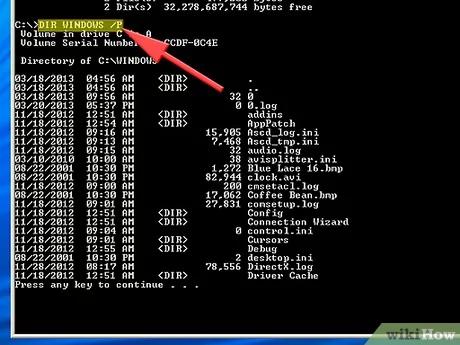
What is DOS and how to use it? [MiniTool Wiki]Quick Navigation :What is DOSAbout MS-DOSHow to Use DOS?What is DOSDOS (Disk Operating System) is a kind of operation system on personal compute...
© Provided by Windows CentralIf you have a new drive, it's essential to format it to prepare the store for use, and in this guide, we'll show you how to complete this task on Windows 10.On Windows 10,...
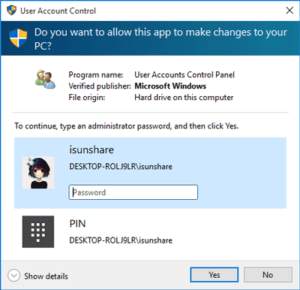
Have you ever been asked to enter the administrator password when trying to change a standard user to an administrator in Windows 10change standard user to administrator in Windows 10?If you don’t kno...
This document lists commands for creating, copying, renaming, and deleting Unix files and directories. It assumes that you are using Unix on the ITS login service (login.itd.umich.edu). The instructio...
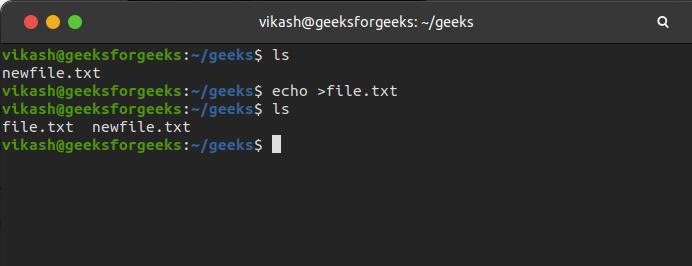
How to use terminal to create file in Linux/Unix system?LinuxOperating SystemOpen SourceIn the Linux/Unix operating system there are two ways available to creating files.Using the touch commandUsing t...
Use a variety of ways to create files in Unix:In previous article i have explained thebasic unix commandswhich are useful to the programmers.In this article i will explain the different ways to create...